On the web
A full keyboard and a big screen for the longer parts: your letter, your checklists, and the details your family will need. Nothing to install.
Create your accountWorks in Chrome, Safari, Edge and Firefox on any computer or tablet.
Create your FinalKey account here in your browser, or get the app for your phone. It is one account either way: the vault, the letter, and the people you choose are the same on every screen, and you can pick up on one where you left off on the other.
Already have an account? Log in.
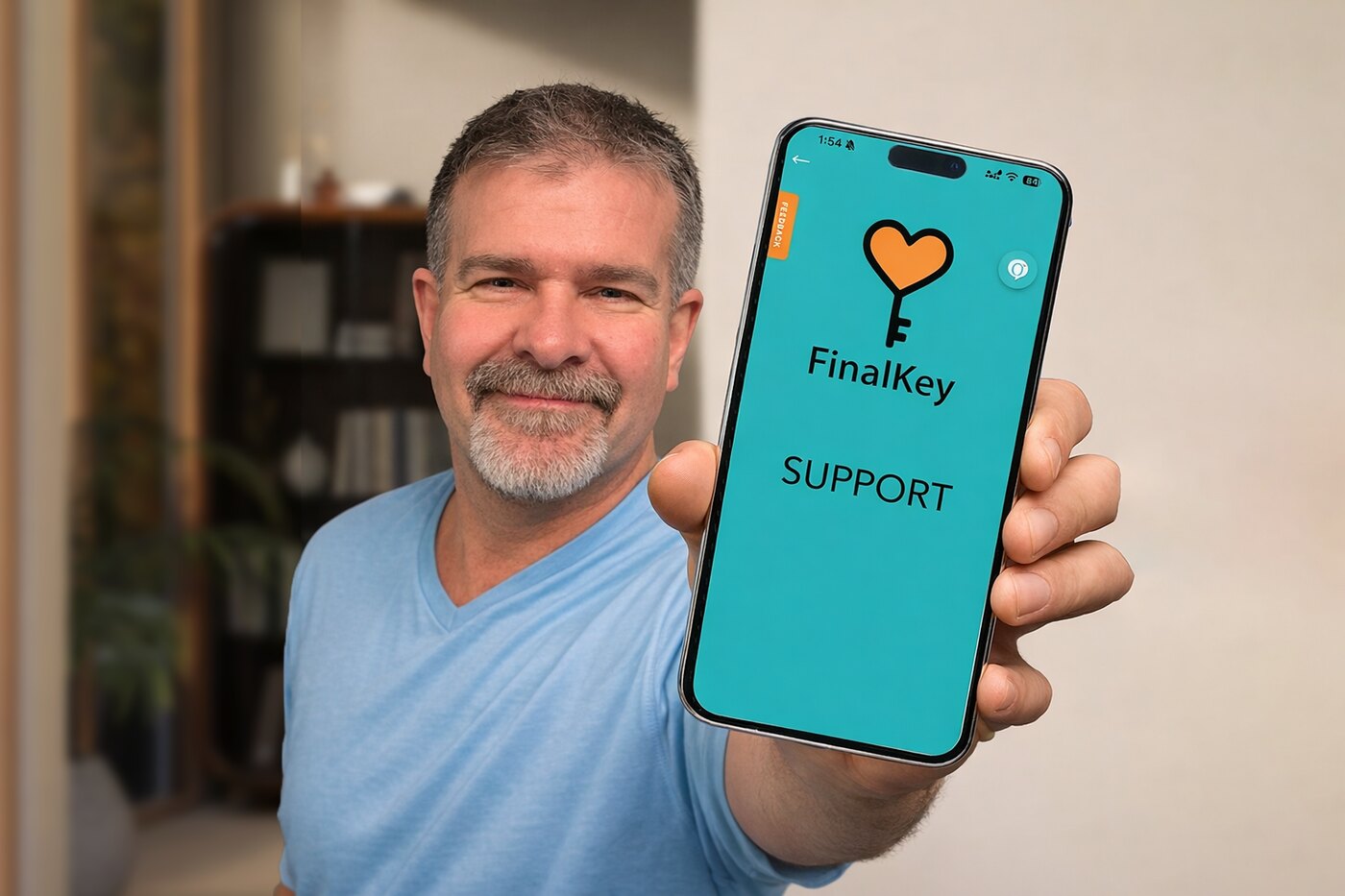
Most people start on the web because typing is easier, then keep the app on their phone for the moments in between.
A full keyboard and a big screen for the longer parts: your letter, your checklists, and the details your family will need. Nothing to install.
Create your accountWorks in Chrome, Safari, Edge and Firefox on any computer or tablet.
Face ID or fingerprint to open your vault, photos of documents straight from the camera, and a gentle check-in when it matters. The same account, in your pocket.


Sign in with the account you created on the web, or create one in the app.
An email address and a password. We send a short note to confirm it is you.
Start with the one thing most people wish they had left: a letter to the people they love. It takes a few quiet minutes, and it is yours to keep and change.
Checklists walk you through the rest, one question at a time. Choose who receives what, and when. Pause and return whenever you like.